Exporting and copying playbooks
Last updated: 8 July 2026
Exporting a playbook
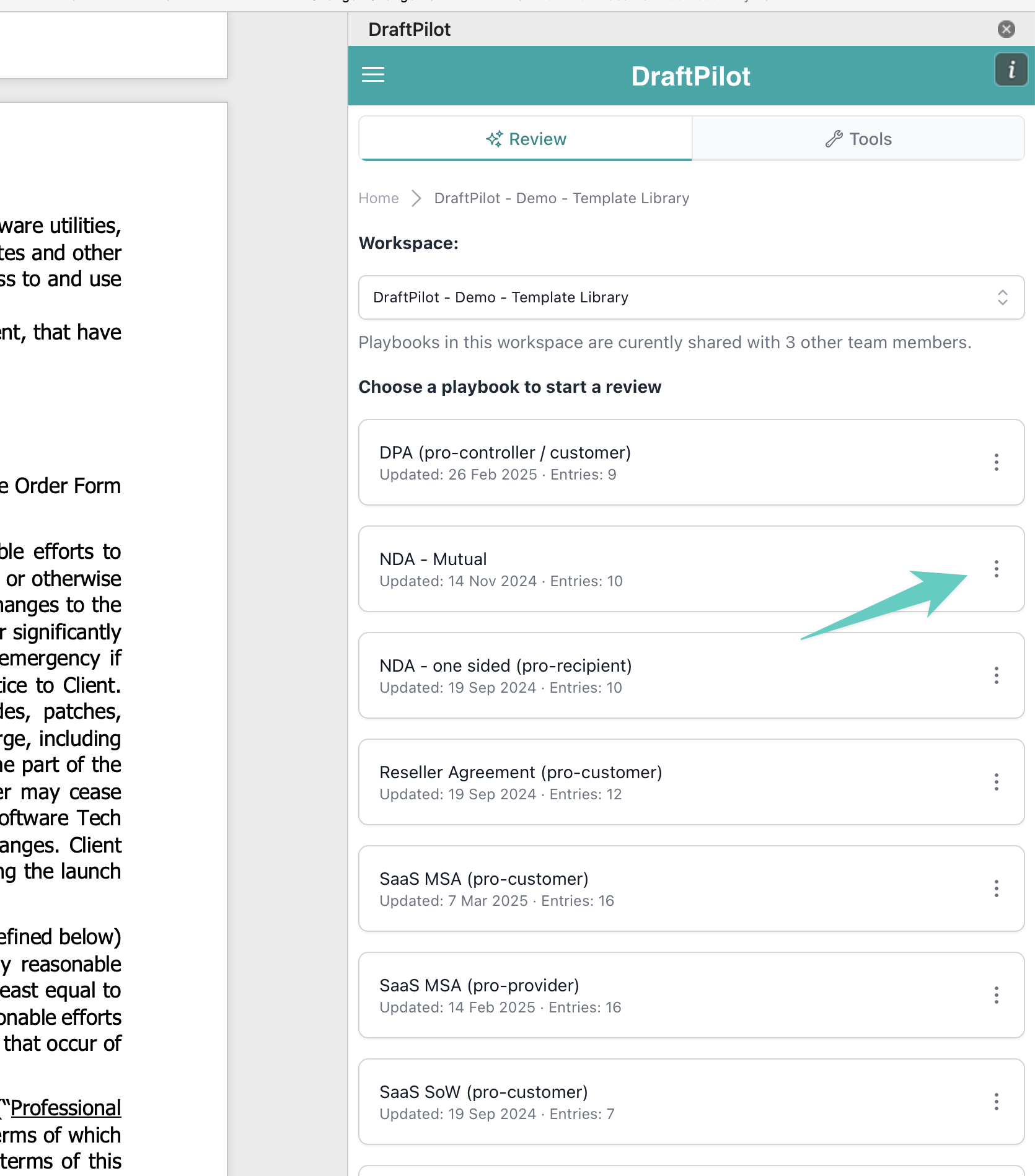
If you’d like to export a DraftPilot playbook, simply navigate to the playbook overview and click the three dots:
You’ll then see the option to export to PDF or to XLS (Excel), we recommend PDF for more integrated playbooks:
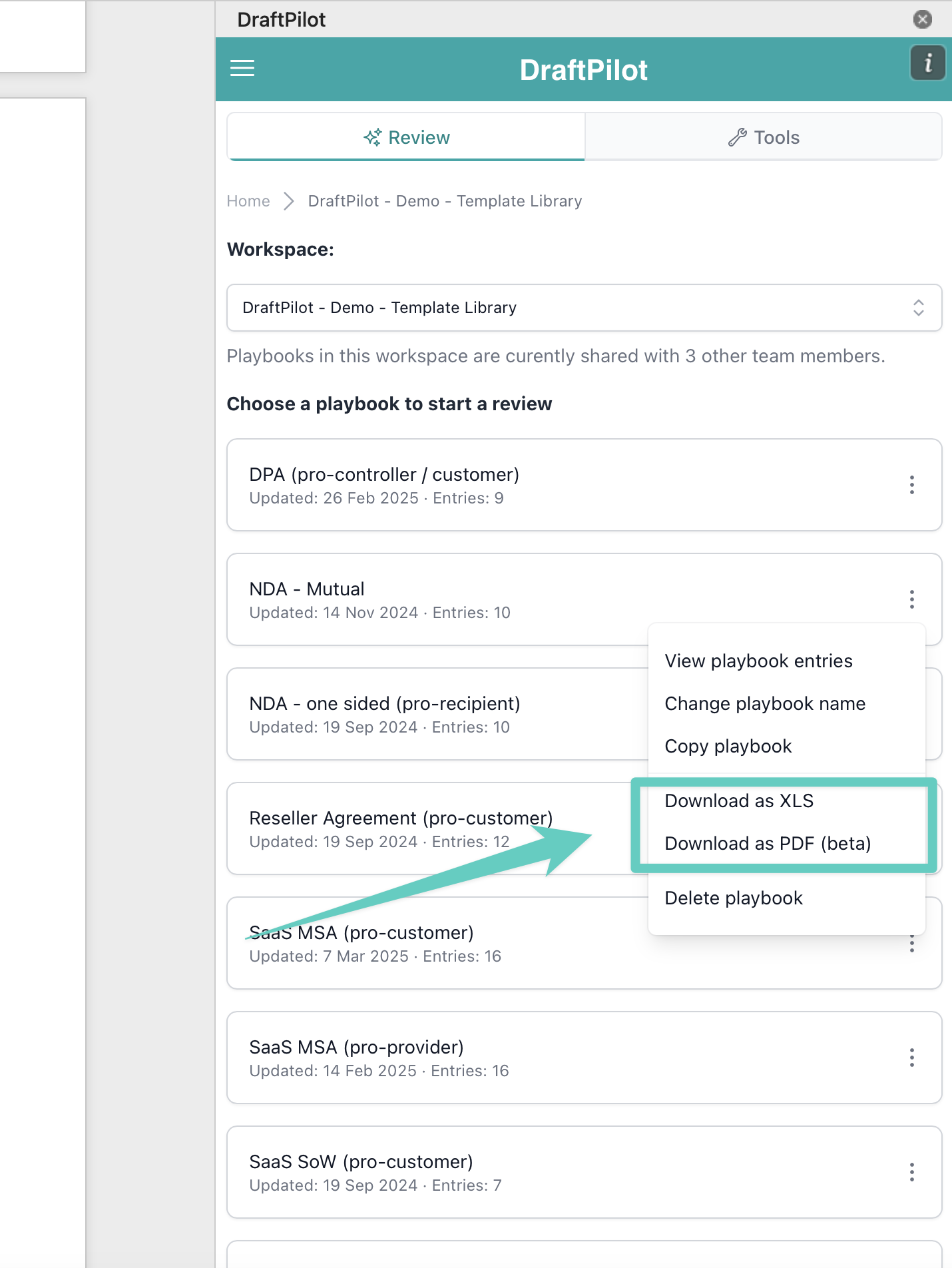
The playbook export will then download to your computer.
Copying a playbook to your personal workspace
Playbooks that live in a team workspace are often read-only. If the Edit playbook button is missing, you don’t have edit access to that playbook, but you can copy it into your personal workspace and edit your own copy there.
Once it’s in your personal workspace, open the playbook to rename it, edit entries by hand, or open Refine Playbook to adjust it with the AI. Your changes apply to your copy only, so the original team playbook stays as it was.
Here’s a one-minute walkthrough:
Knowledge Hub - how to copy a playbook to edit it - Watch Video (1 minute)